Vint
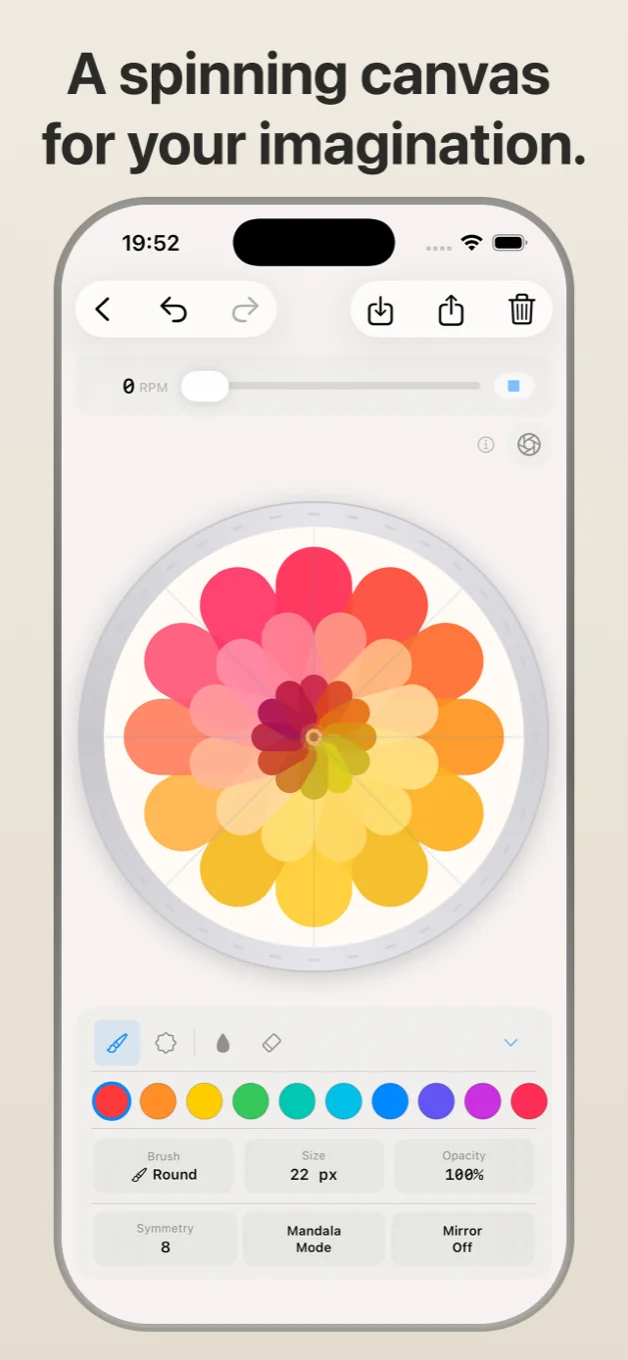
A spinning canvas for your imagination.
Swipe
Legal
Privacy PolicyApp Store listing
Vint: Spin Art & Mandala Maker
Spin. Draw. Mesmerize.
Entertainment · Graphics & Design
Vint turns a simple idea into something mesmerizing - draw on a spinning wheel and watch symmetry, color, and motion do the rest.
Spin the canvas with a flick, pick up a brush, and start drawing. The wheel keeps turning as you go, bending every stroke into spirals, mandalas, and patterns you never planned but can't stop staring at.
WHAT YOU CAN CREATE
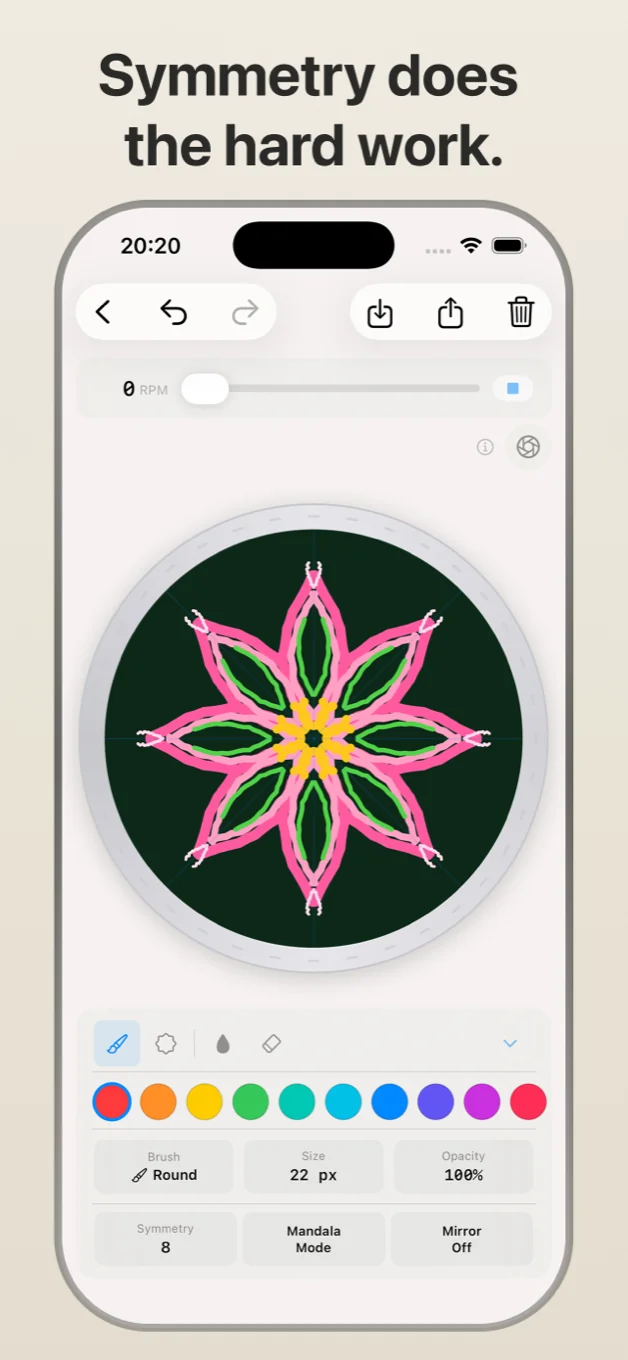
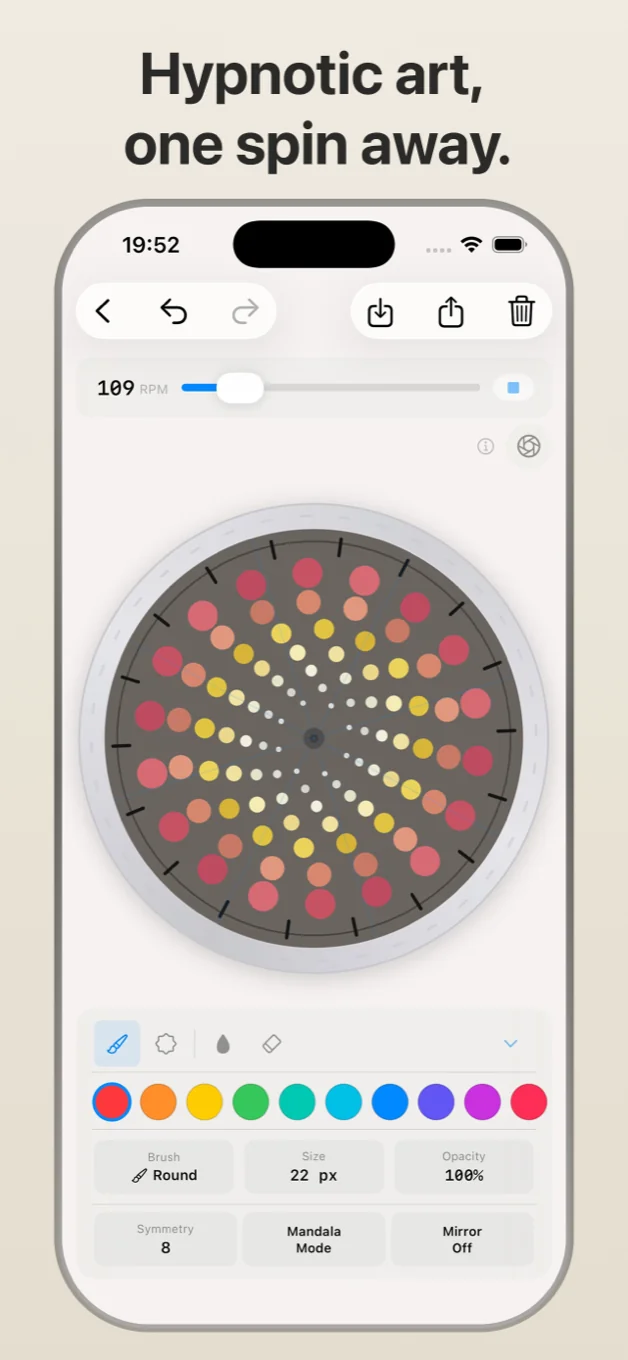
- Mandalas and radial art with adjustable symmetry
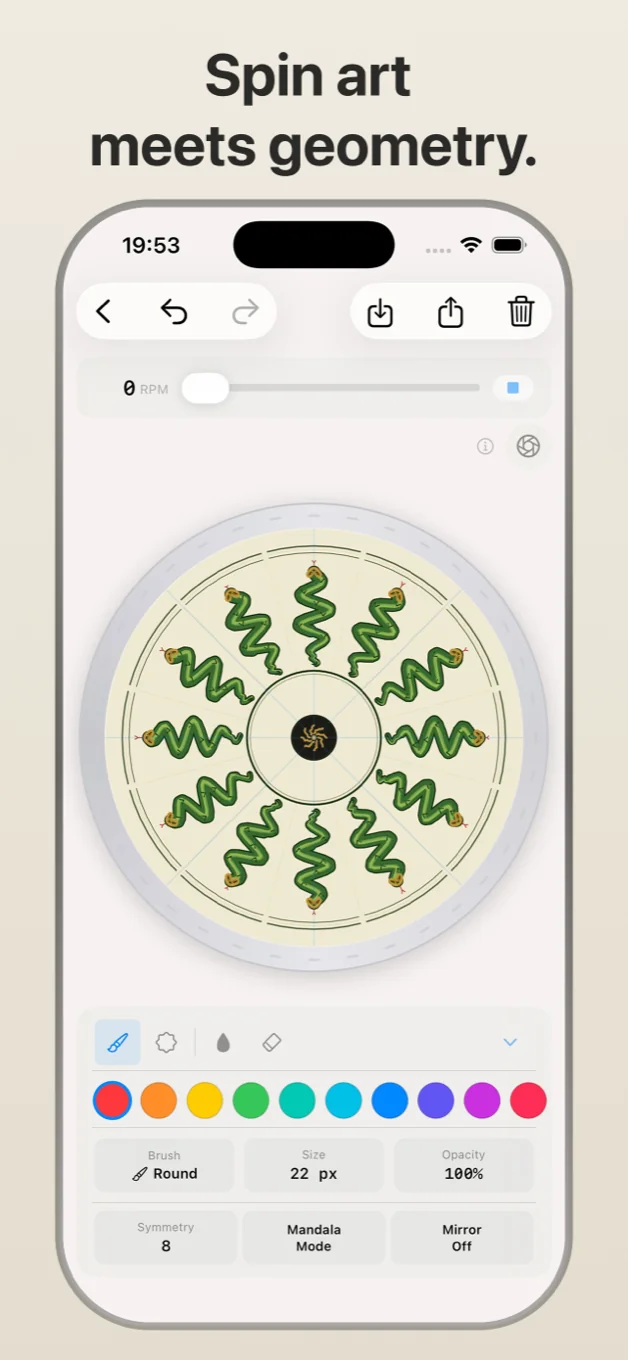
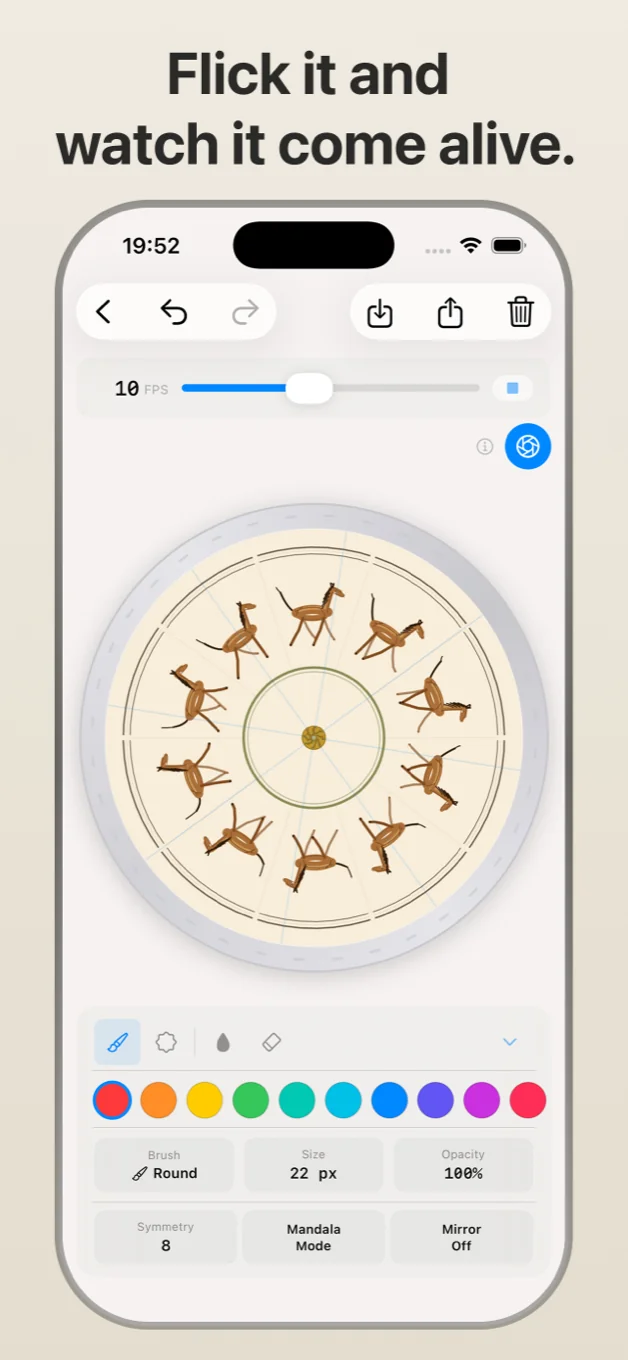
- Phenakistoscopes - animation discs that bring drawings to life when spun
- Optical illusions and moiré patterns
- Freeform spin art - just draw and see what happens
FEATURES
- 5 brush types - round, flat, spray, pattern, and eraser
- Stamp tool with 9 shapes, adjustable size, wiggle, and fill
- Symmetry engine with mirror mode and up to 36 segments
- Animation mode - step through frames like a zoetrope
- Pinch to zoom for detail work
- Full undo/redo and export
- 9 included templates to explore and remix
TEMPLATES Open any template, spin it, draw on it, and save your version as a new project. The originals are always there to start fresh.